Ask our AI Assistant
The dashboard comes with the Ask our AI Assistant: a chat window that opens over every page, so help is always one click away. You can ask it about your buckets, objects and access keys in plain words, and it takes care of the steps for you. It also sees the page you are on - "this bucket" means the one in front of you - and can fill in the page's forms for you to review and submit. Anything that cannot be undone waits for you to confirm it first, so you stay in charge.
Opening the assistant
Ask our AI, in the top bar beside the STRG mark, opens the window right over the page you are on, so you never lose your place. ⌘J on a Mac, or Ctrl+J elsewhere, does the same from anywhere on the page, even while you are typing in a field. Selecting the button or pressing the keys again closes the window.
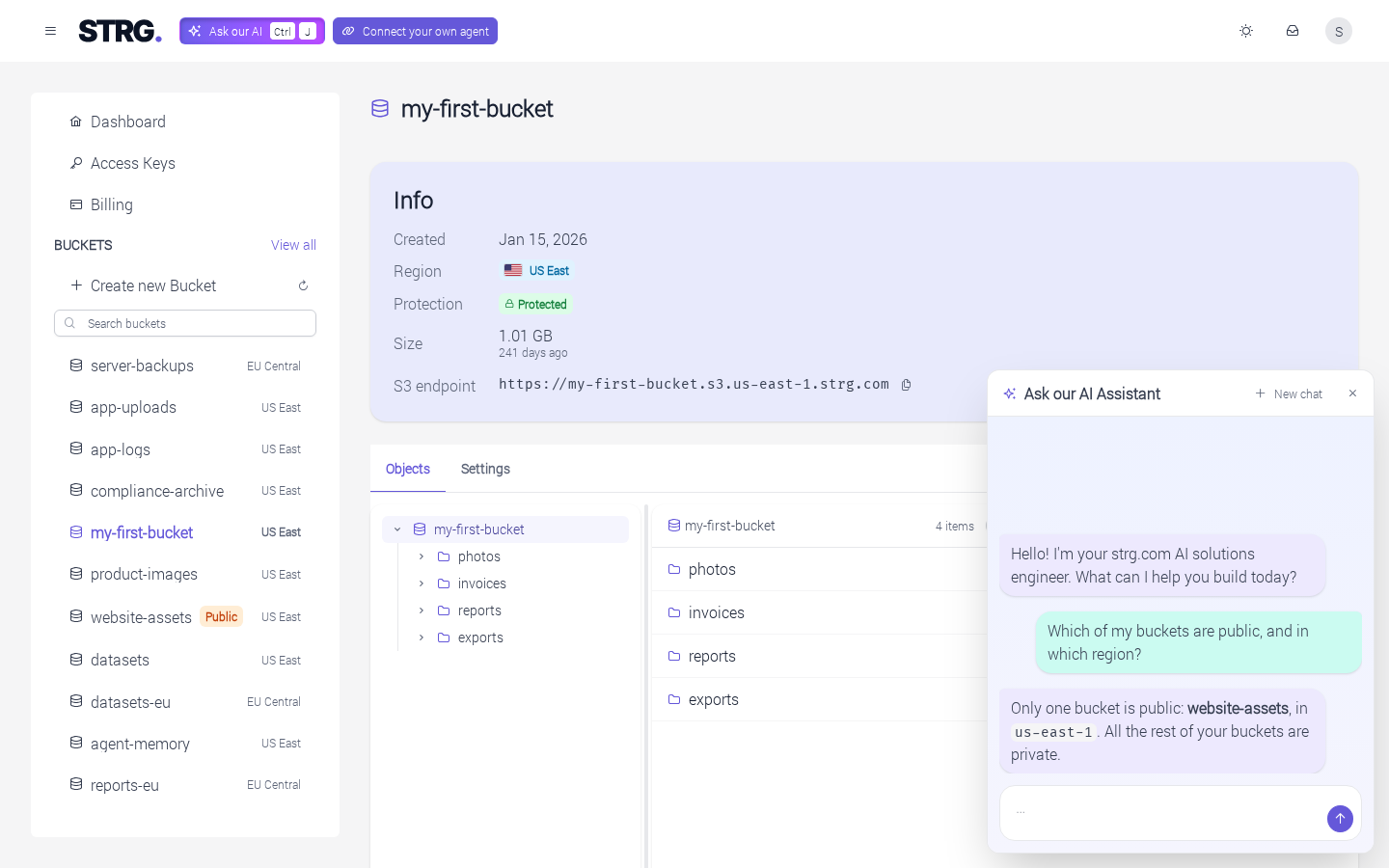
Example prompts
A few questions to start with, with your own bucket names in place of the examples:
- Which of my buckets are public, and in which region?
- What is in this bucket? (On a bucket's page.)
- Add a lifecycle rule to
my-bucketthat deletes old versions after 30 days. - Prepare a read-only access key that can only reach
my-bucket. (It fills in the form on the Access Keys page; creating the key is yours.)
For an agent of your own, in your editor or terminal, Getting started with MCP shows how to connect it to STRG.